Open a shared video link
Someone sends you a TikTok URL, but you want to watch in your browser. Open the public post and read its description without moving between an app and a separate comment page.
Watch TikTok without an account or the app using an online TikTok video viewer. Watch the clip, read its caption, explore replies, and save the comments you need without signing in to TikTok.
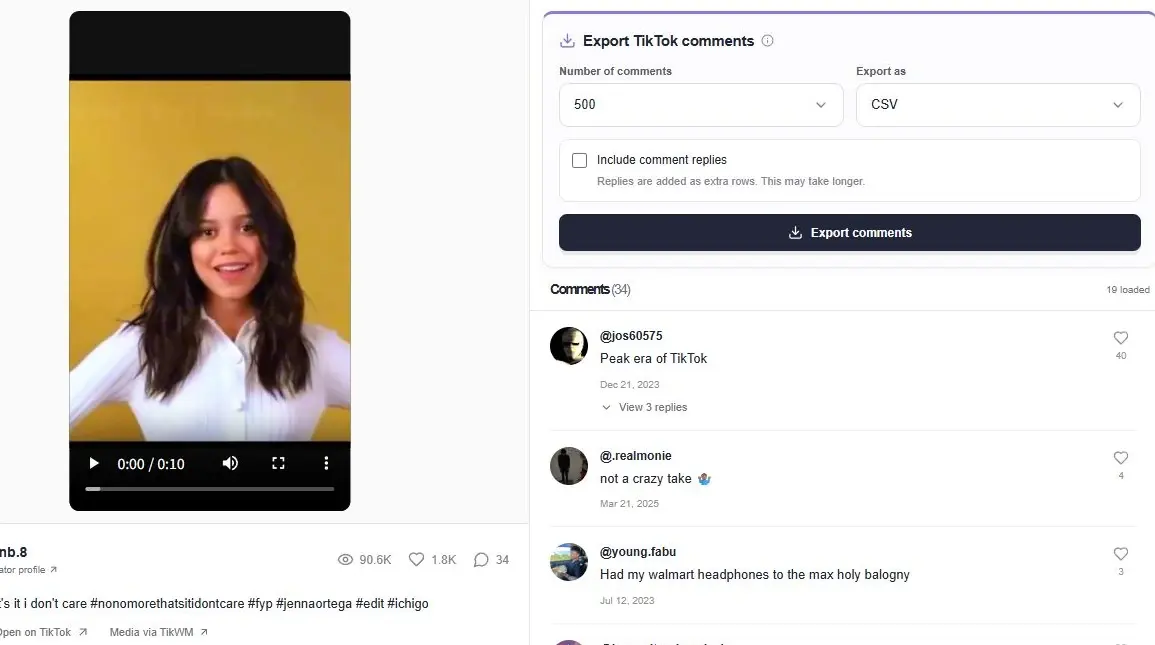
ttokviewer is a browser-based TikTok video viewer for opening a specific public post. Paste its video link to reach the player, creator information and available discussion. You can watch TikTok without installing the app or connecting a TikTok account.
Use the caption, publication date and public engagement counts to understand the clip in context. A video link opens that work directly; a creator profile link belongs in the account viewer. If you only know a name or phrase, start with the main video and creator search instead.
The work page puts the player beside its conversation. Read the caption and publication date while you explore the discussion, instead of opening a separate search for every comment.
Load more comments as you browse and expand available reply threads. When a discussion is useful, export it as CSV or Excel from the same work page.
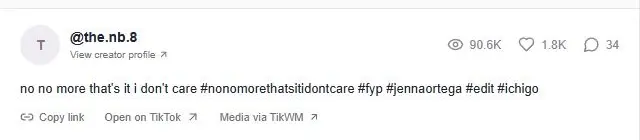
Someone sends you a TikTok URL, but you want to watch in your browser. Open the public post and read its description without moving between an app and a separate comment page.
Check the work itself alongside its available views, likes and replies. These figures describe that post at the time of the request; they are not a live view counter or a performance forecast.
A clip can raise questions that the caption does not answer. Expand available comment replies, then use the comment export controls if you need a spreadsheet for your notes.
Copy the complete link to a public video, such as tiktok.com/@creator/video/123456789, and paste it into the field above. Open the result to watch the clip and browse its comments. You do not need to sign in to TikTok for this workflow.
For a public photo post, use its photo URL. Available image posts open as a slideshow rather than a normal video file. Playback and music still depend on what the source supplies and what your browser allows.
This page is designed for watching an existing TikTok link, rather than searching every video on the platform. To explore the author’s other uploads, open the creator profile from the work page. To collect a discussion, use the export form beside the comments.
Public availability can change after a link is shared. If a video does not load, check the URL and try again later. A playback failure alone cannot tell you whether a work was deleted, restricted or temporarily unavailable.
No. This viewer opens works available through the public data source. It does not unlock private, removed, age-restricted or region-restricted videos. A public URL can remain shareable even when its media is no longer accessible.
Media URLs can expire, the source can limit requests, or a browser can reject playback. Check that the link points to the intended work, then retry later. Failure to play a clip is not proof that the creator deleted it.
Paste the complete public video URL into the input above and choose Watch video. A supported work link opens its detail page directly, where you can use the player and read available comments. Use a profile URL in the account viewer when you want an author’s uploads instead.
Yes. The page adapts to a phone browser as well as a desktop browser. You do not need a separate app for this workflow. Browser media settings can still affect sound and automatic playback, so you may need to press play or enable audio.
You do not connect your TikTok account to use this viewer. That is different from a guarantee of complete anonymity: your browser, network and external data sources still handle requests. ttokviewer does not promise that all activity is untraceable.
Available public photo posts can open with an image slideshow. A slideshow is different from a downloadable MP4 video, and its soundtrack depends on available media and browser playback rules. Use the original photo-post URL rather than changing it into a video URL.
Start with content that is publicly available.