Check the right creator
Use the exact handle from a shared post or profile link. Compare the displayed name, avatar and biography before treating two similarly named accounts as the same creator.
Look up a public TikTok account by username. Browse its profile, published videos and available public lists in one place.
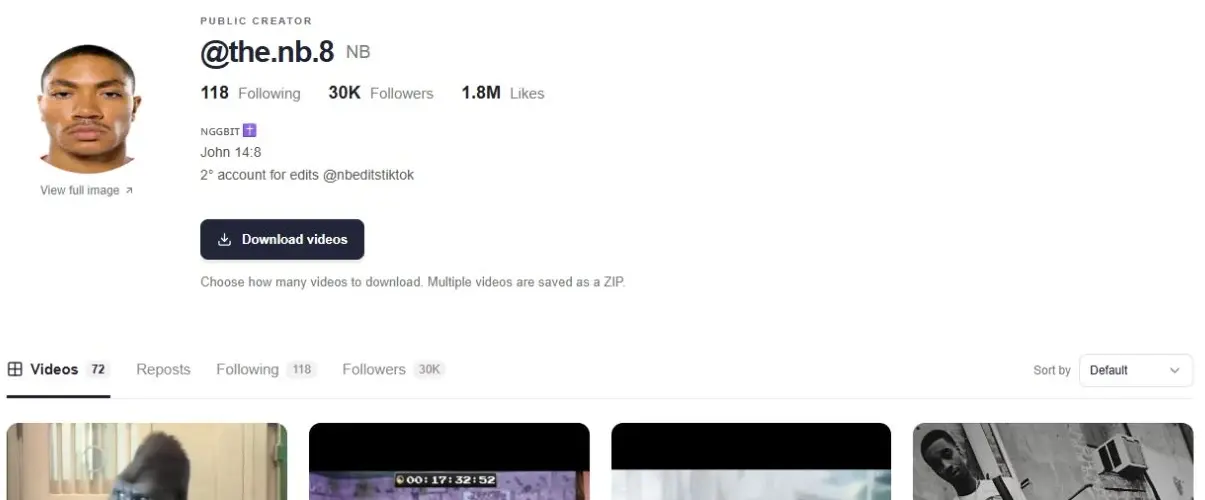
Use the TikTok account viewer to open a specific public creator profile. Enter an @username or paste a TikTok profile URL to see the available biography, profile picture, public statistics and published works in one place.
TikTok profile viewer, account viewer and profile lookup describe the same task here: finding a known account and browsing its public content. You do not need to create a separate lookup for the author’s videos, reposts, following list or followers; the profile keeps those views together.
See the creator’s bio and available follower, following, like and work totals. Open a work to explore its video, publication date and comments.
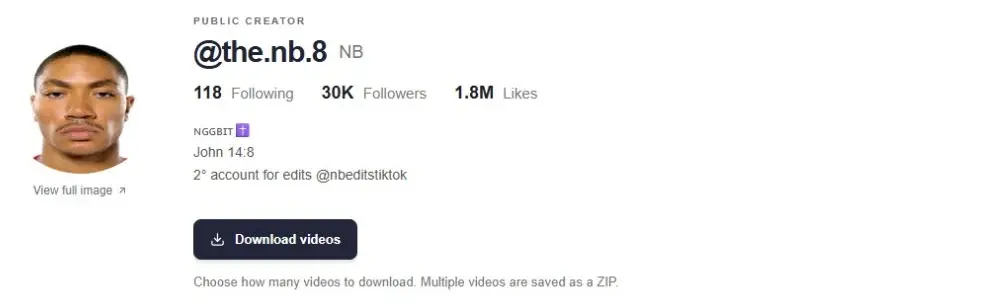
Videos, Reposts, Following and Followers live together on the creator page. Each list loads more as you browse, without requiring a separate account lookup.

Use the exact handle from a shared post or profile link. Compare the displayed name, avatar and biography before treating two similarly named accounts as the same creator.
Open the Videos tab to explore available uploads and their publication dates. Select a work to reach its player, caption and comments, with a route back to the creator.
Switch to Followers or Following to browse available account cards. A card opens that person’s public profile, so you can continue your research without typing another username.
Enter the account’s handle, with or without the @ symbol, or paste a profile link such as https://www.tiktok.com/@creator. A display name is not necessarily unique. If you only know a nickname, use the main account search first and choose the matching profile.
A profile URL opens the author page directly. A video or photo URL points to one work, so use the video viewer for that link. Keeping the two inputs distinct helps you reach the information you need without an extra search step.
The public profile can show follower, following, like and published-work totals. These totals describe the account data returned by the source. The number of cards currently visible describes only the pages you have loaded.
For example, a profile may show more published videos than fit on the first screen. Scroll to request more available works, or switch to another tab to explore a different list. A displayed total does not guarantee that every item is accessible through the source.
Some public profile details may be returned, but the viewer does not unlock private posts or restricted lists. A visible avatar or bio does not imply that the account’s videos, followers or following list are accessible.
This lookup uses a public username or profile URL. It does not reveal an account’s email address or phone number, or locate private accounts using contact information. Use the main search for public names or keywords instead.
You can use this public profile lookup without connecting a TikTok account. Enter an exact username or public profile URL. Available data can include the bio, statistics, works and public lists, depending on the account and source response.
The username is the handle used in the profile URL, such as @creator. A display name is the visible name shown on the profile and may be shared by multiple people. Use the handle for direct lookup and the main search when you only know a display name.
The creator profile displays the available public avatar and provides a larger image view where supported. The source determines the image resolution. This does not recover previous profile pictures or reveal a private image archive.
Check the spelling and copy a current profile link if possible. A handle may have changed, or the account may be restricted or temporarily unavailable to the source. A failed lookup does not establish that the username is available to register.
Start with content that is publicly available.