Explore public followers
Start with the available follower cards and open a profile when you want to learn more about an account. The cards provide a route to public works, rather than a demographic report about the audience.
Browse a public account’s available followers and following lists. Open a follower’s profile, explore their works, and keep each account in context.
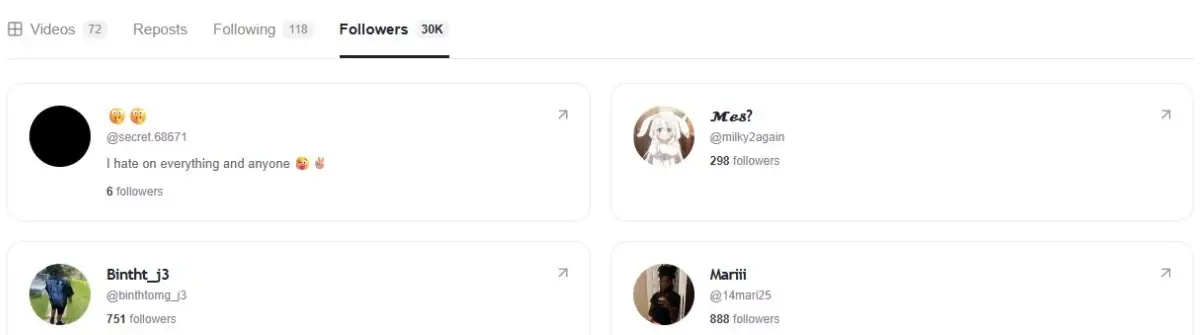
The TikTok follower viewer opens a public account’s available Followers list. Enter a username to browse account cards with names, avatars and available profile details. Select a card to visit that person’s public creator page.
You can also use the same profile as a TikTok following list viewer. Followers are accounts that follow the creator; Following contains accounts the creator follows. Switching tabs keeps those two relationships distinct while leaving the public profile statistics in view.
The profile shows available total counts alongside paginated account cards. Follow a card to its own public profile when you want to understand who an account is.
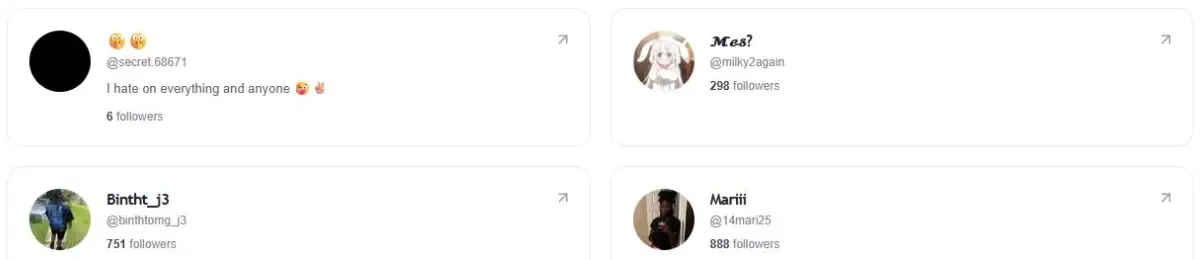
Lists load in batches as you scroll. Existing cards stay in place while the next batch is requested, and loading placeholders distinguish waiting from an empty list.
Start with the available follower cards and open a profile when you want to learn more about an account. The cards provide a route to public works, rather than a demographic report about the audience.
Switch to Following to browse available connections in the other direction. An account can follow someone without that person following back; the two lists should not be treated as interchangeable.
Read the public follower total alongside the loaded list. Scrolling requests additional cards, so the visible set usually represents only part of the reported count.
Paste the public profile URL or enter the exact handle, then choose View followers. The creator page opens on Followers. Browse the first batch and scroll to request more available accounts. A short pause between automatic requests keeps loading manageable.
Select an account card to open its creator profile. From there you can browse available works or public lists for that account. To see who your original creator follows instead, return to that profile and select Following.
The profile shows data returned for the request. It does not record a daily follower history, identify everyone who unfollowed or calculate growth over time. A list changing between visits is not enough to determine when a particular relationship changed.
Public counts can exceed the number of retrievable cards. Account visibility and source limits affect the list, and pagination does not guarantee access to every follower. Use the displayed total and returned account cards for their separate purposes.
A request can fail because the source is temporarily unavailable, limits access or cannot return that account’s list. Use the retry state when available. A failed request does not mean the creator has zero followers or follows nobody.
The current follower workflow supports browsing account cards and opening public profiles. It does not include a follower-list CSV or Excel export. The spreadsheet export elsewhere in ttokviewer applies to a post’s comments, not to account relationships.
You can request available public follower cards without connecting a TikTok account. Enter a public username and open Followers. This does not unlock private or restricted lists, and the source may expose only part of the reported follower total.
Open the creator profile and select Following. Followers shows who follows that creator; Following shows who the creator follows. Both lists use account cards that can open another public profile, subject to available data.
Scroll to request more available pages. The public follower count is not a guarantee that the source will return every account in the list. Requests can end earlier because of privacy, availability or source limits; an incomplete list should not be treated as a full audience dataset.
It does not provide historical snapshots or a new-follower and unfollower report. List order alone is not proof of when someone followed. The tool is for browsing available public relationships and opening profiles, rather than monitoring account changes over time.
Start with content that is publicly available.